
Attendance Sheet Template and Register
Whether you take a register every morning, run training sessions or need visitors to sign in, a clear attendance sheet makes records quick and reliable. This pack includes print-ready monthly class registers, sign-in sheets for meetings and events, training attendance forms with signature columns, and an Excel tracker that totals each person’s attendance and works out their percentage automatically.
- Instant download
- Editable Word & Excel
- Print-ready PDF
- 7-day refund
6 files · PDF, DOCX, XLSX
Attendance Sheet Pack
Printable monthly and weekly attendance sheets, meeting and event sign-in sheets, a training attendance form, a volunteer hours log and an Excel attendance tracker with totals and percentages.
- Monthly register (PDF/DOCX)
- Weekly register (PDF/DOCX)
- Sign-in sheet (PDF/DOCX/XLSX)
- + 3 more
$5.00 USD, one-time 6 files · about $0.83 each
- Instant download
- 7-day refund
- Secure checkout by Stripe
7-day money-back guarantee. Full refund within 7 days of purchase, even after you download.
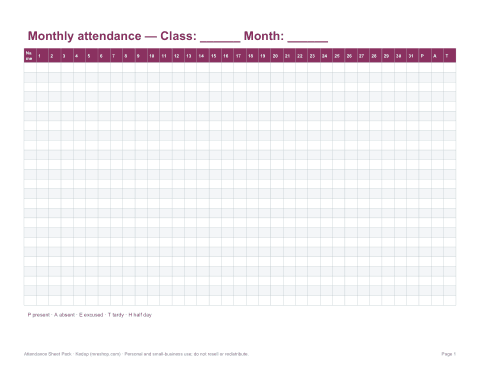
Free sample: Monthly Class Attendance (PDF, 54 KB)
Attendance Sheet Pack
Printable monthly and weekly attendance sheets, meeting and event sign-in sheets, a training attendance form, a volunteer hours log and an Excel attendance tracker with totals and percentages.
- Monthly register (PDF/DOCX)
- Weekly register (PDF/DOCX)
- Sign-in sheet (PDF/DOCX/XLSX)
- Training form (DOCX/PDF)
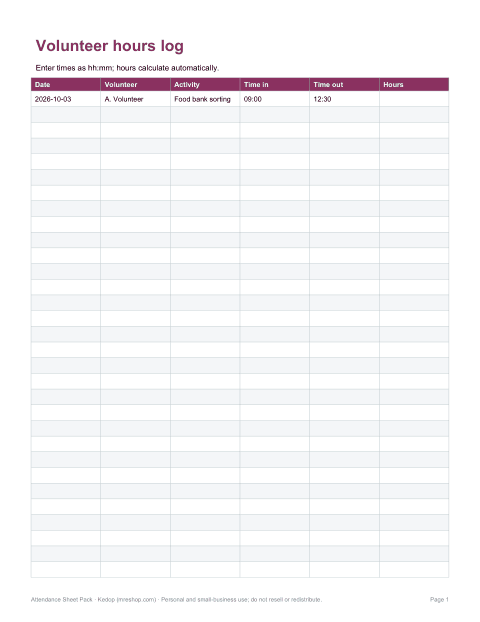
- Volunteer hours (XLSX)
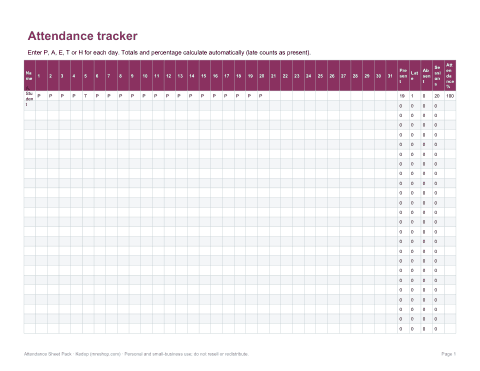
- Excel tracker (XLSX)
Formats: PDF, DOCX, XLSX. Instant download after payment (link valid 72 hours, up to 5 downloads). AI-assisted: the templates were drafted with AI help and reviewed and laid out before publishing.
$5.00 USD, one-time 6 files · about $0.83 each
- Instant download
- 7-day refund
- Secure checkout by Stripe
7-day money-back guarantee. Full refund within 7 days of purchase, even after you download.
Free sample: Monthly Class Attendance (PDF, 54 KB)
Full refund within 7 days — see the refund policy and license.
Free printables
Single sheets you can print right now, no sign-up. The full pack adds every sheet in one download plus the editable files.
 Printable Monthly Attendance Register
 Printable Weekly Attendance Register
 Printable Sign-in Sheet
 Printable Training Attendance Record
 Printable Volunteer Hours Log
Sheets in the pack
| Sheet | Best for | Layout |
|---|---|---|
| Monthly class attendance | Teachers, clubs, tutors | Names down the side, days 1–31 across, totals at the end |
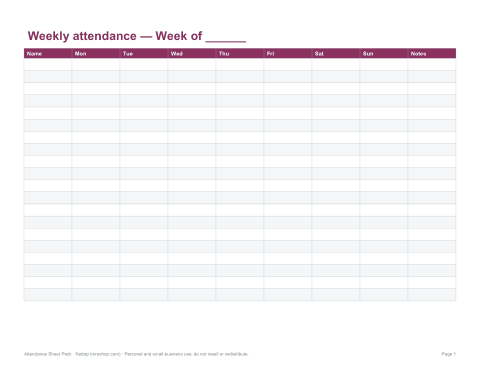
| Weekly attendance | Small groups, after-school clubs | Five or seven days with notes |
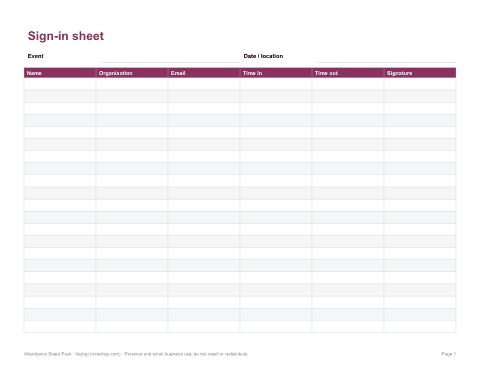
| Meeting / event sign-in | Meetings, open days, workshops | Name, organisation, email, time in, signature |
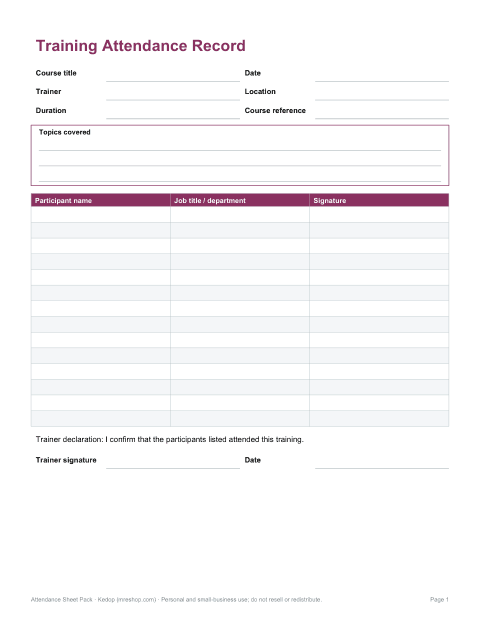
| Training attendance | Workplace training records | Course, trainer, date, participant signatures |
| Volunteer hours log | Charities, schools, events | Date, time in, time out, hours |
| Excel attendance tracker | Any group | Codes by day with automatic totals and % |
Attendance codes
| Code | Meaning |
|---|---|
| P or ✓ | Present |
| A | Absent (unexplained) |
| E | Excused absence |
| T or L | Tardy / late |
| H | Half day |
| R | Remote / online |
Use the codes your school or organisation already uses; the Excel tracker counts whatever letters you put in its totals formulas, and a key at the bottom of each sheet reminds everyone what they mean.
How the Excel tracker calculates attendance
- Enter one code per person per day.
- The Present column counts every P; Absent counts A and E; Late counts T.
- Sessions held is the number of days with any code entered.
- Attendance % = present ÷ sessions held × 100 (late counts as present if you choose).
- Sort or filter by percentage to see who may need follow-up.
Worked example
| Student | Sessions | Present | Late | Absent | Attendance % |
|---|---|---|---|---|---|
| A. Rivera | 20 | 19 | 1 | 0 | 100% (95% on time) |
| B. Singh | 20 | 17 | 0 | 3 | 85% |
| C. Okafor | 20 | 18 | 2 | 0 | 100% (90% on time) |
Here late arrivals count as present. Many schools look closely at attendance below 90%, which over a school year can add up to several weeks of missed learning — check your own school’s thresholds.
Sign-in sheets for meetings and events
- Put the event name, date and location at the top.
- Ask only for what you need — name and organisation, plus email if you will follow up.
- Tell people how their details will be used and stored, especially where privacy laws such as GDPR apply.
- Keep one sheet per session so records are easy to file.
- For fire safety, record time in and time out at larger venues.
Training records
Workplace training records often need to show who attended, what the course covered, who delivered it and when, with each participant’s signature. Keep signed sheets with the course materials: inspectors and auditors may ask to see them, for example for health and safety training. The training form includes a course summary box and a trainer declaration.
Printing a register for the whole term
Print one monthly sheet per class per month and keep them in a folder in date order. Write the names in the same order every month — alphabetical by surname is easiest — so you can compare months at a glance. At the end of each month, total each row and copy the totals into the Excel tracker if you need percentages for reports.
Tips for accurate registers
- Take attendance at the same time every session.
- Mark late arrivals when they arrive rather than changing an absence later.
- Record reasons for excused absences separately if they are confidential.
- Back up the Excel tracker regularly.
- Keep paper registers in a secure place.
Formats and printing
Printable sheets come as PDFs and editable Word files for US Letter and A4, in portrait and landscape; the tracker is an Excel workbook that also opens in Google Sheets.
AI-assisted content
Templates were drafted with AI assistance and reviewed before publishing.
Frequently asked questions
How do you calculate attendance percentage?
Present days divided by sessions held, times 100.
What codes are used on attendance sheets?
Commonly P (present), A (absent), E (excused), T (tardy) and H (half day).
Does the Excel tracker calculate totals?
Yes, present, absent, late and percentage for each person.
Is there a sign-in sheet for meetings?
Yes, with name, organisation, email, time and signature.
Can I edit the sheets?
Yes, Word and Excel versions are included.
What counts as a good attendance rate?
Many schools aim for 95% or higher and pay attention below 90%; check your own policy.
Is this a subscription?
No, it is a one-time download.